Stop re-introducing yourself to AI every time
Every new chat, you explain it all again — who you are, what you do, how you like things written. Next day, blank slate, you do it all over. It's like having a brilliant assistant with no memory. Exhausting, isn't it? Good news: you never have to do it again.

The big AI tools now let you set your context once — and they carry it into every chat. Most beginners never turn this on, and it's quietly the biggest time-saver there is. Two ways to do it, easiest first:
Two ways to make it remember you
- The "about me" you paste (works everywhere). Write a few lines about yourself — your job, what you're working on, how you like answers — and paste it at the top of a chat. We call it a ME.md. It works in any tool, even a free account.
- Built-in memory / custom instructions. ChatGPT, Claude and Gemini all have a settings box where you save your stable preferences once. Fill it in, and every future chat starts already knowing you.
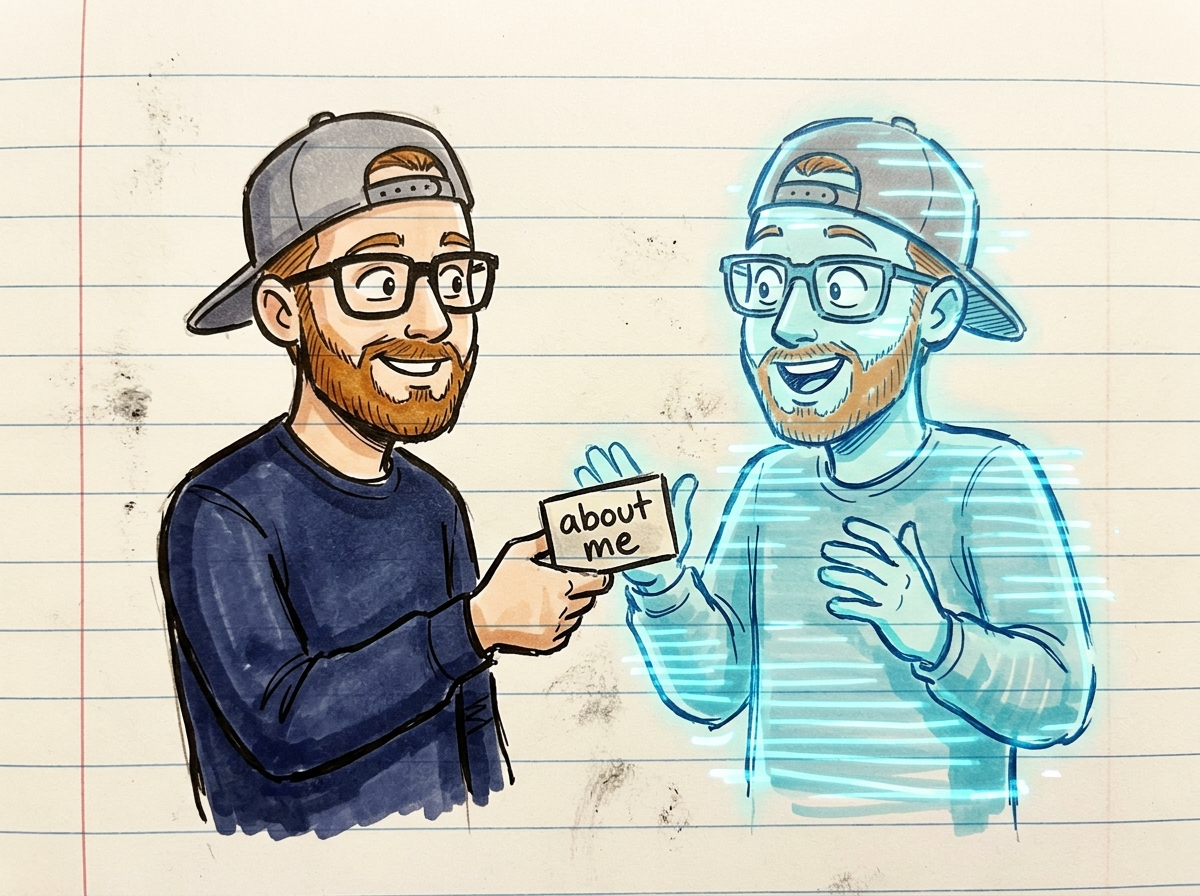
What to put in your ME.md
Keep it short — five lines does it:
- What you do / your situation.
- What you're usually working on.
- Who your stuff is normally for.
- How you like answers (plain? short? UK spelling?).
- Anything it keeps getting wrong about you.
One thing you can stop worrying about
Starting from scratch. You were never meant to re-explain yourself every time — that was never the deal. Set it once, and you've basically given your AI a memory.
Try it right now
Open a note and write five lines about you (see the list above). Save it as your ME.md. Paste it at the top of your next chat — and feel the difference when it isn't flying blind.

Took the free audit and landed on "your second brain"? It builds your ME.md for you, step by step — then you bring it everywhere.
Take the free 60-second audit →— Zac (the human) & Zax (the AI)